Restaurant workflow
How to turn restaurant photos into a beautiful social media post
We combined five food and location photos into one 1080×1440 portrait post for a restaurant brand. Here are the inputs, the finished result, and the decisions behind it.
Make a restaurant post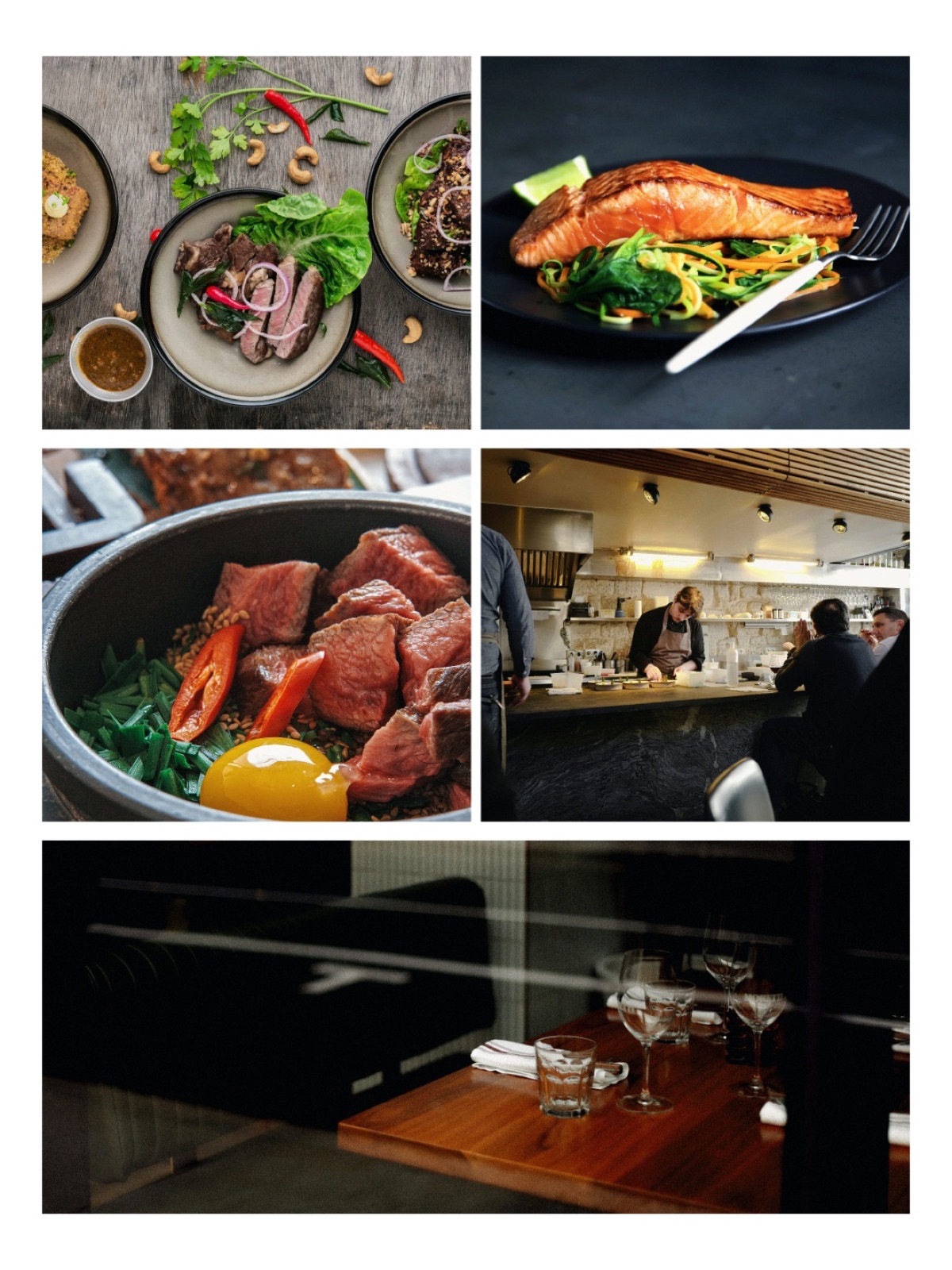
The brief
Show the food and the feeling of the place.
A restaurant post has two jobs: make the menu desirable and make the venue feel worth visiting. The five selects cover plated dishes, kitchen craft, and dining atmosphere without relying on text or a template.
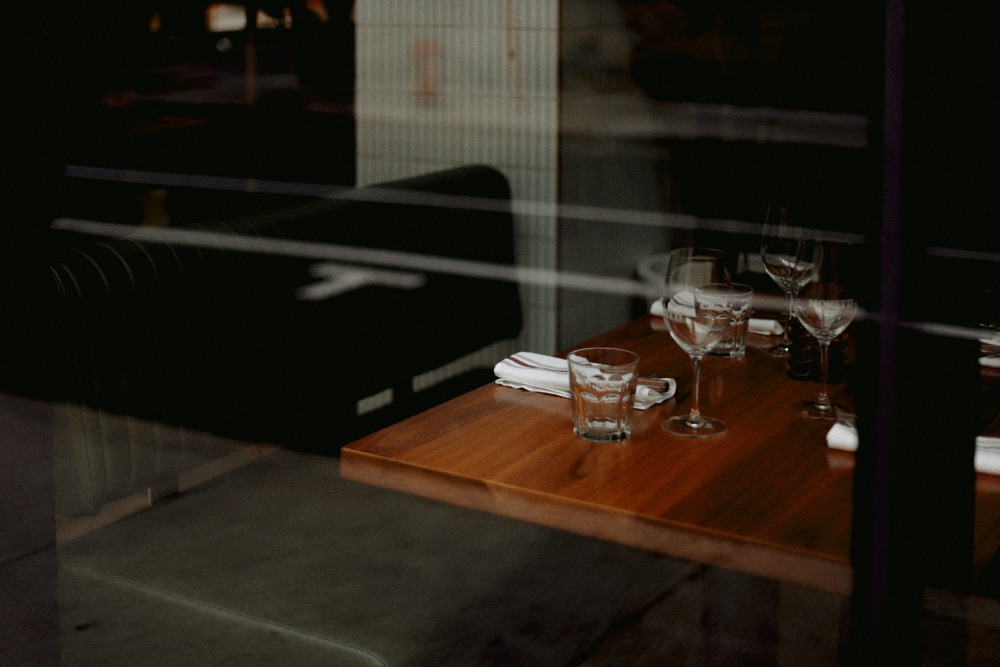
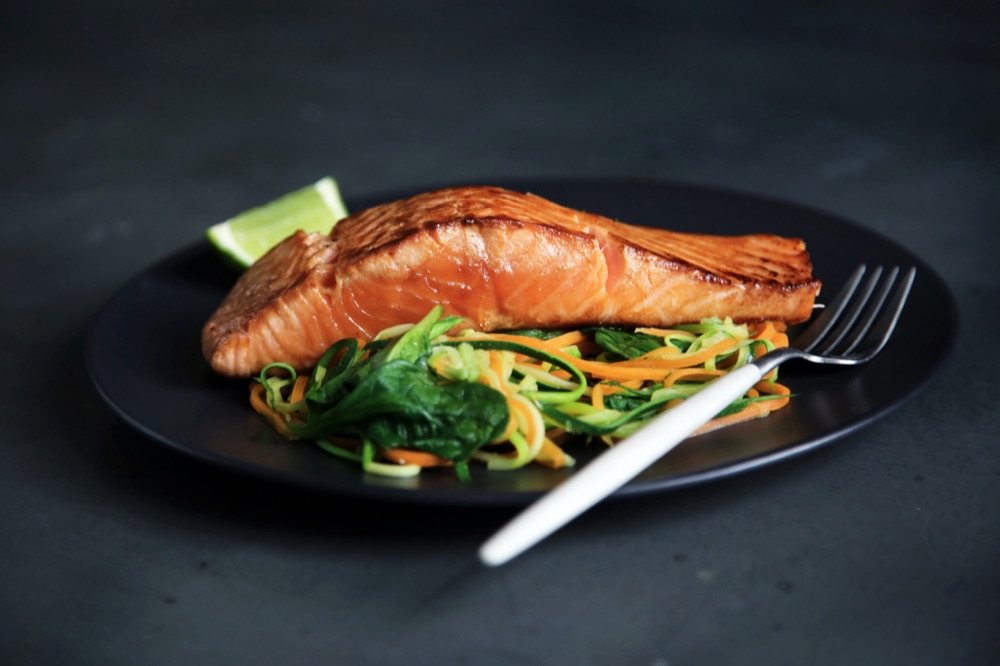
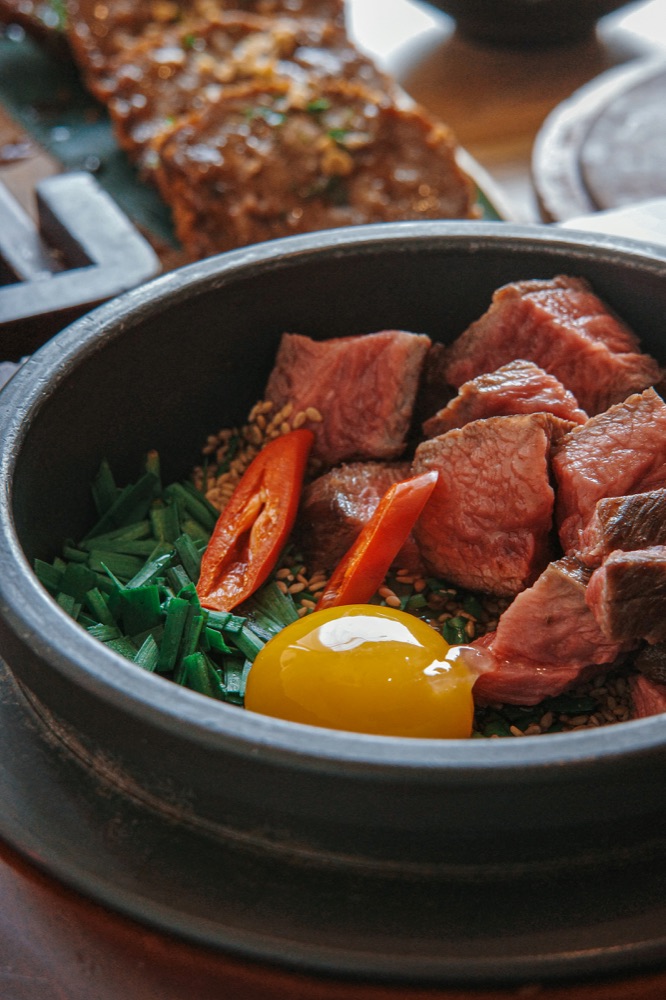
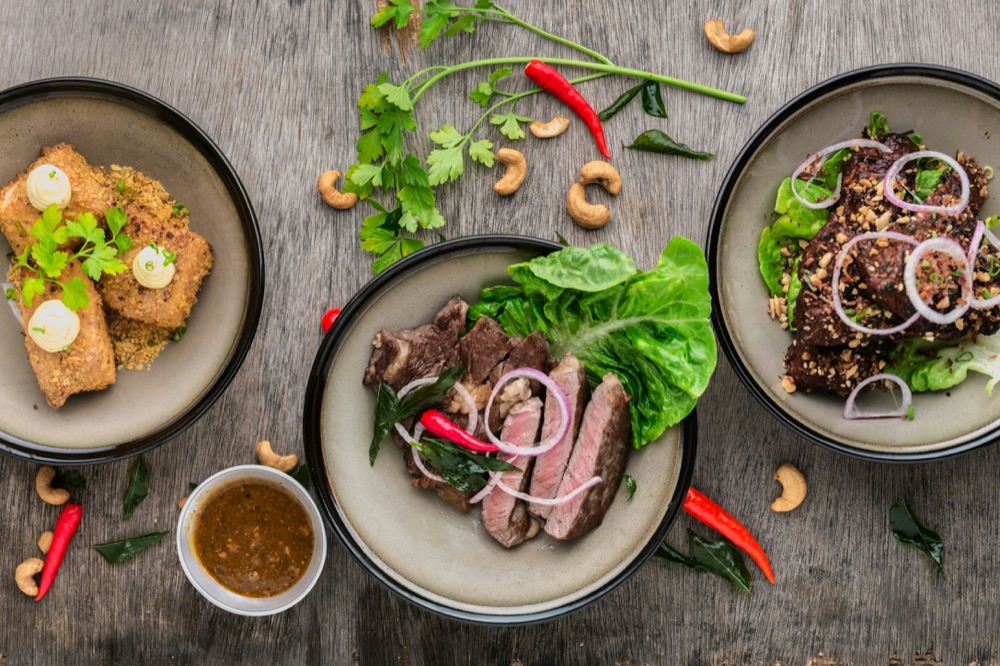
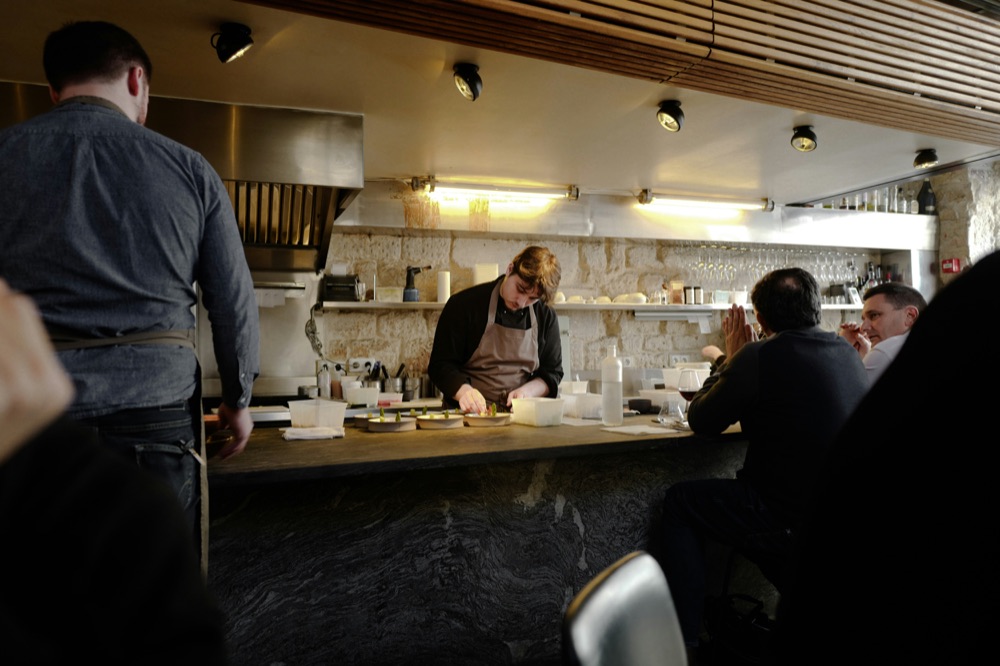
Photos by Annie Spratt, Caroline Attwood, Dynamic Wang, Lily Banse, and Sofia Lyu via Unsplash.
Composition decisions
Build appetite first. End on atmosphere.
Lead with food
The bright overhead spread and salmon plate establish the subject immediately. Close crops keep the dishes legible on a phone.
Change the viewpoint
Overhead, close-up, and environmental frames alternate to create rhythm. Consistent white gutters keep five distinct photographs cohesive.
Anchor the place
The dark, wide dining-room image gets the largest frame at the bottom. It shifts the story from individual dishes to the experience of visiting.
Repeatable workflow
From five selects to one finished post.
- Choose Single post.Start with the deliverable before adding photography.
- Add the five selects.Mix menu, process, and location images so the post tells a complete story.
- Generate the first composition.Pasteup’s beauty engine ranks the images, crops them, and establishes hierarchy.
- Compare Looks.Choose the direction that best fits the restaurant, then adjust crops or order if needed.
- Download the portrait post.Export the finished 1080×1440 image for the social feed.
Make one from your restaurant photos.
Start with real menu, team, and location photography. Pasteup creates the first complete composition and keeps every layer editable.
Create a business social post