1080×1350 pixels
The exported size of each individual carousel image.
Pasteup export guide
Pasteup creates three portrait carousel slides. Each slide is 1080×1350 pixels at a 4:5 aspect ratio; together they form one 3240×1350 working canvas.
Choose up to 6 photosFree · No sign-up · Private unless you share
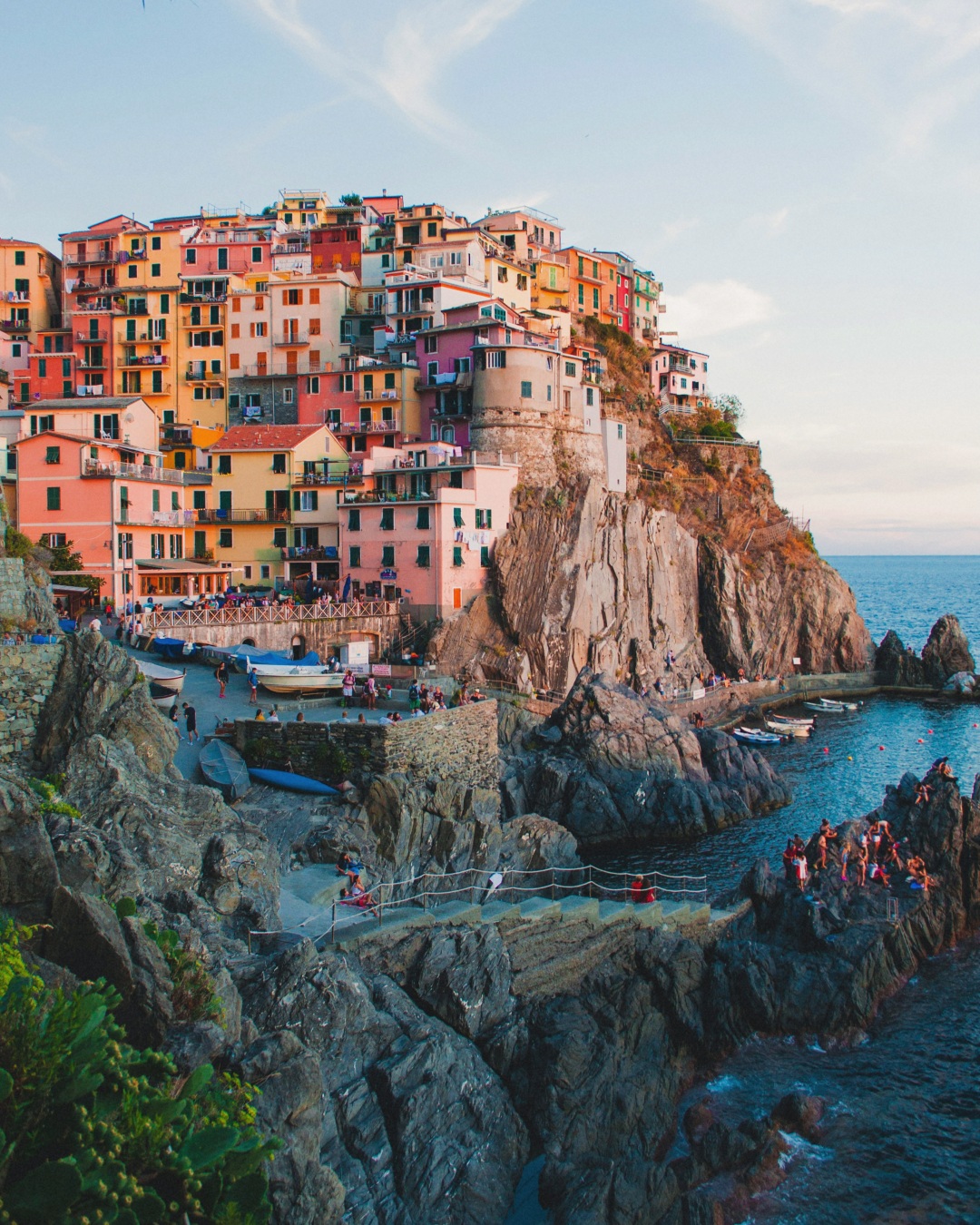
Every panel uses the same portrait dimensions, which keeps the swipe consistent and makes seam placement predictable.
The exported size of each individual carousel image.
The aspect ratio of each panel in Pasteup’s carousel output.
The full editable width: three 1080-pixel panels placed side by side.
The final output, numbered so the upload order stays clear.
How it works
The editor opens at the fixed three-panel portrait size.
Solid boundaries show where each 1080-pixel panel begins and ends.
Move faces, products, and small text away from unintended cuts.
Use the generated JPEGs directly so all panels retain matching dimensions.
Correct dimensions prevent technical mismatch; strong composition prevents awkward cuts.
Keep every uploaded carousel asset at the same aspect ratio for a consistent post.
A boundary can connect images, but it should not accidentally divide a face or key detail.
Instagram may crop thumbnails in some surfaces, so keep critical subjects away from extreme edges.
Pasteup exports each carousel panel at 1080×1350 pixels.
Each exported panel uses a 4:5 portrait aspect ratio.
The complete Pasteup canvas is 3240×1350 pixels before it is split into three panels.
No. Pasteup’s carousel workflow currently exports only three 4:5 portrait panels.
Pasteup exports all three panels at identical dimensions so the connected composition remains aligned.
Choose up to six photos. Pasteup creates the first composition and keeps every layer editable.
Create an Instagram carousel