Cross with context
Let backgrounds, scenery, or supporting frames cross a boundary while key subjects remain readable.
One canvas across three slides
A seamless carousel uses elements that continue across slide boundaries. Pasteup creates one wide canvas, places your photos across it, and exports the result as three separate portrait images.
Choose up to 6 photosFree · No sign-up · Private unless you share
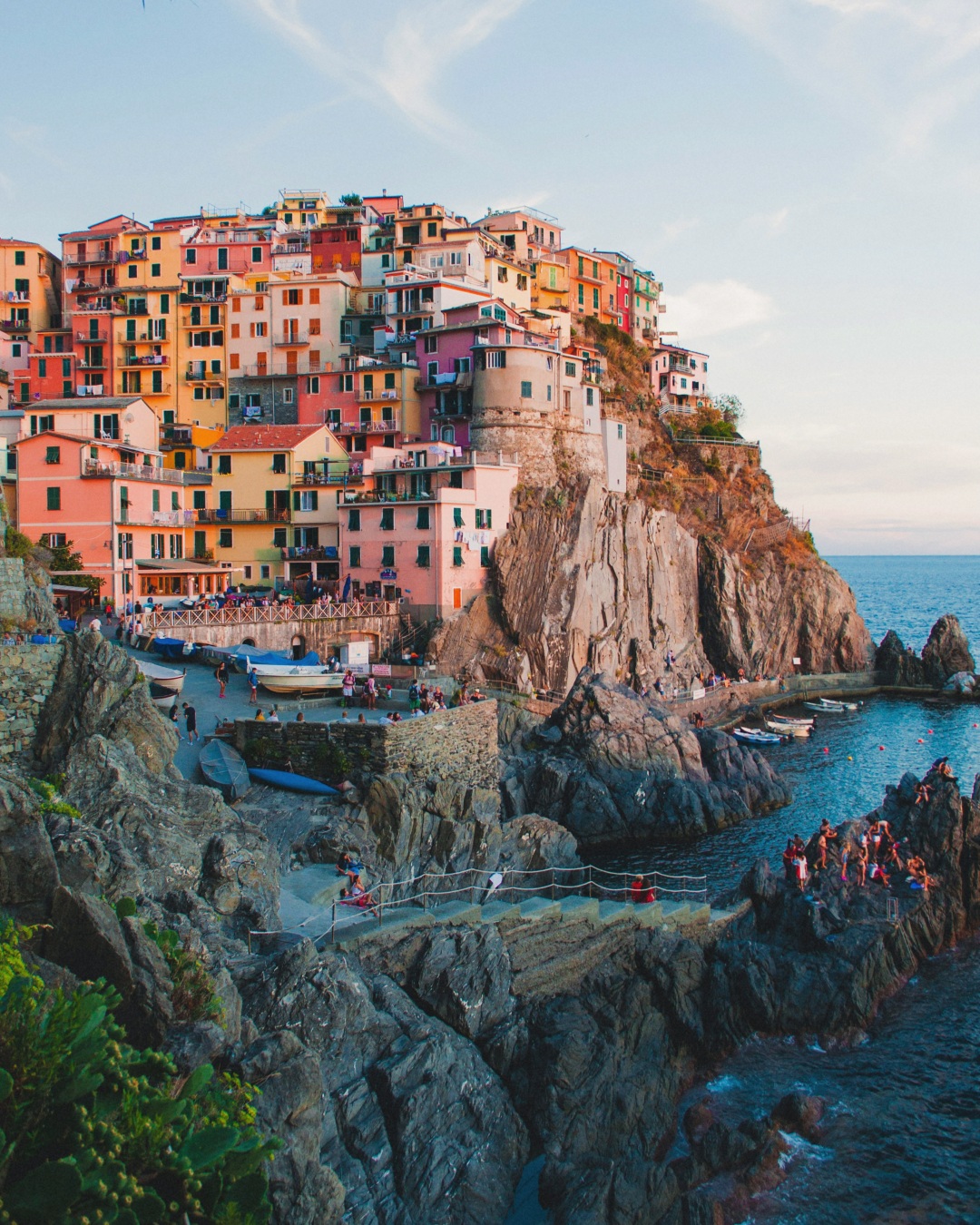
Continuity should reveal more of the story, not cut through the subject by accident. Pasteup shows solid panel guides while every photo remains movable.
Let backgrounds, scenery, or supporting frames cross a boundary while key subjects remain readable.
Keep important details away from the exact seam unless the split is deliberate.
A seamless canvas still needs three panels that work when viewed one at a time.
Preview panels from left to right and export them in numbered posting order.
How it works
Choose up to six images with a mix of orientations and subjects.
Pasteup arranges the set across a 3240×1350 canvas.
Move or resize layers until every transition feels intentional.
Download the 1080×1350 JPEGs and post them in order.
The most convincing seamless carousels balance continuity with clear panel composition.
A shared horizon, background tone, or overlapping frame can connect adjacent slides.
Use large anchors and smaller supporting images so the canvas does not read like a rigid grid.
End with a complete image or visual beat instead of an arbitrary crop.
It is a multi-slide post designed as one continuous canvas, with visual elements crossing between adjacent slides.
Pasteup composes photos on one canvas that is three panels wide and shows the two export boundaries while you edit.
No. You upload the three exported images in order. The continuous design appears as someone swipes between them.
The full canvas is 3240×1350 pixels and each of the three exported panels is 1080×1350 pixels.
Yes. Every photo layer can be moved, resized, rotated, reordered, replaced, or removed.
Choose up to six photos. Pasteup creates the first composition and keeps every layer editable.
Create an Instagram carousel