Campaign launch
Slide 1: hero product. Slide 2: product in context. Slide 3: material, detail, or closing brand image.
Structures you can reuse
A useful example is more than a visual style. It shows what each slide contributes, how the swipe develops, and where the sequence ends.
Choose up to 6 photosFree · No sign-up · Private unless you share
Use these as planning patterns, not rigid templates. The exact composition should respond to the photos you choose.
Slide 1: hero product. Slide 2: product in context. Slide 3: material, detail, or closing brand image.
Slide 1: establishing place. Slide 2: people and movement. Slide 3: memorable detail or final view.
Slide 1: venue or marquee moment. Slide 2: action and people. Slide 3: atmosphere and close.
Slide 1: before. Slide 2: process or turning point. Slide 3: after at a comparable scale.
Slide 1: complete object. Slide 2: construction and texture. Slide 3: product being used.
Slide 1: visual thesis. Slide 2: contrasting support. Slide 3: image that resolves or complicates the story.
How it works
Match the sequence to the story your photo set can support.
Combine wide, medium, close, vertical, and horizontal images when available.
Pasteup creates hierarchy and intentional overlap across three panels.
Make sure each panel works alone and adds something new to the sequence.
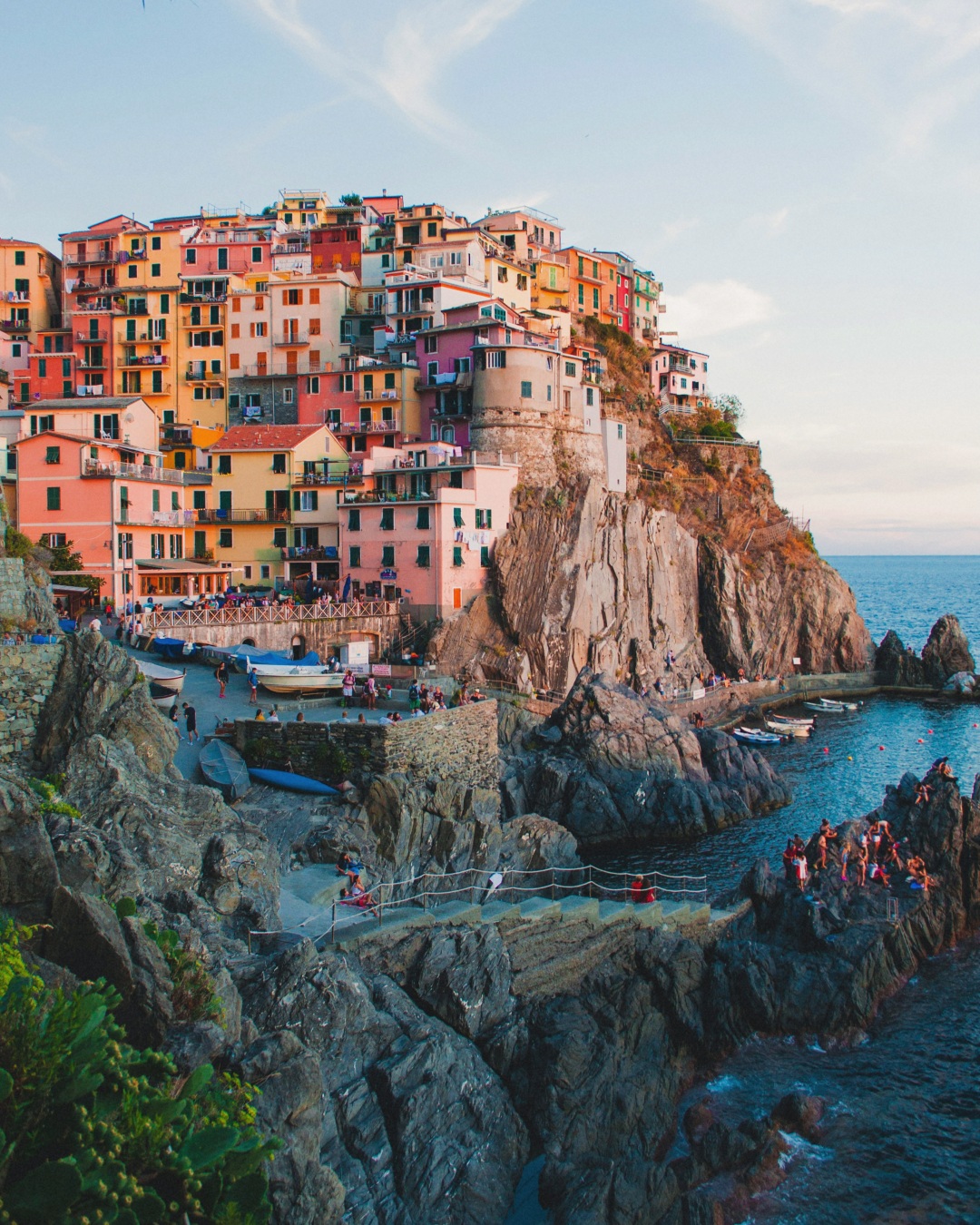
The example above uses six travel photos across three connected portrait panels.
The first panel establishes the subject with a dominant image and a smaller bridge across the seam.
The center panel carries visual material across both boundaries without repeating equal boxes.
The third panel inherits the flow, then gives the sequence a fresh closing focal point.
It has a clear opening, meaningful progression, varied visual rhythm, and a final slide that feels intentional.
Not necessarily. Repeated spacing or color can create consistency while photo scale and placement change across the sequence.
You can use the same structure with your own photos, but Pasteup generates a new composition for each set rather than copying a fixed template.
Pasteup accepts up to six photos for a three-slide carousel.
Yes. The overlapping-carousel guide shows the source photos, layout decisions, seam checks, and final panels.
Choose up to six photos. Pasteup creates the first composition and keeps every layer editable.
Create an Instagram carousel